04 · Cook
Cook without touching the screen.
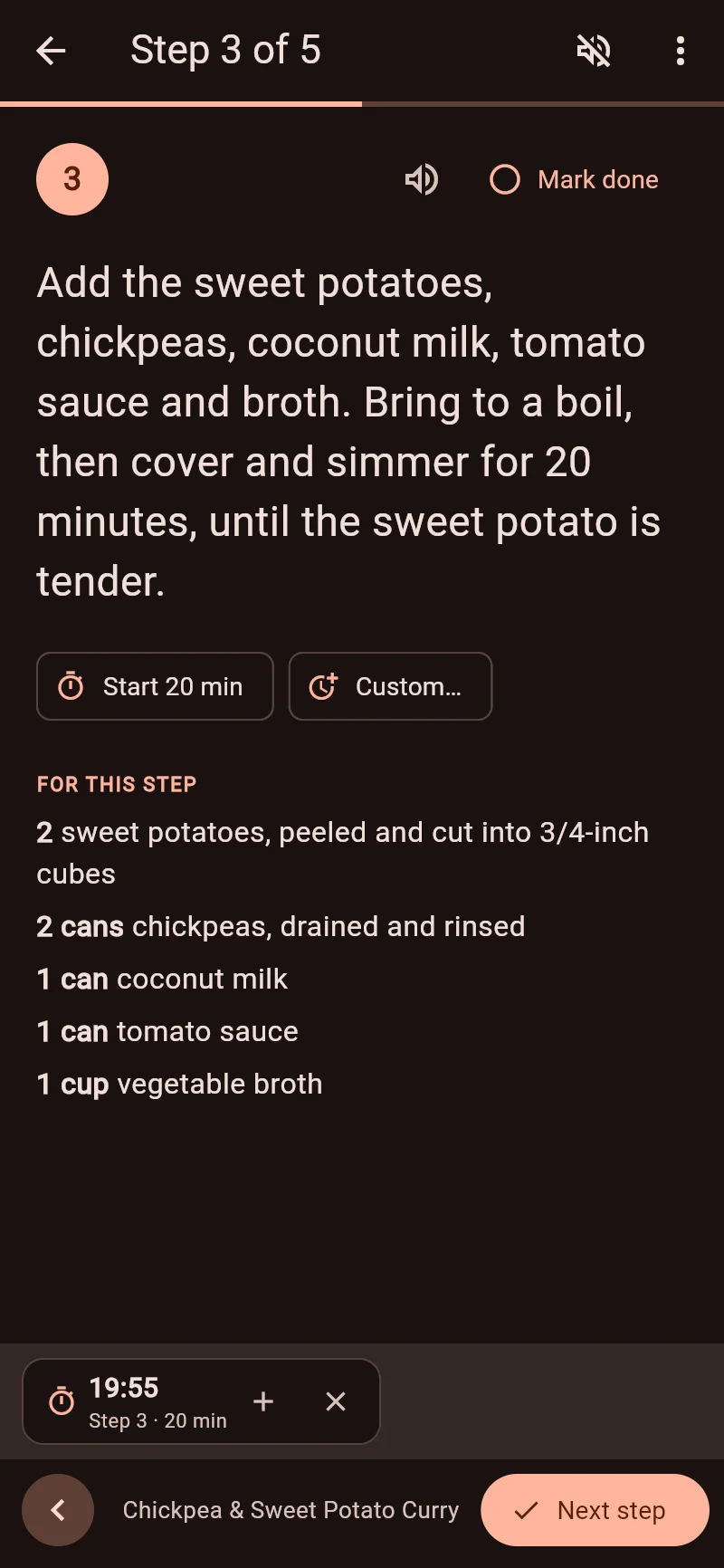
Cook mode shows one step at a time in big, readable type, keeps the screen awake and starts timers straight from the step that needs them.
How it works
From mise en place to the table.
Step 1
Get everything ready
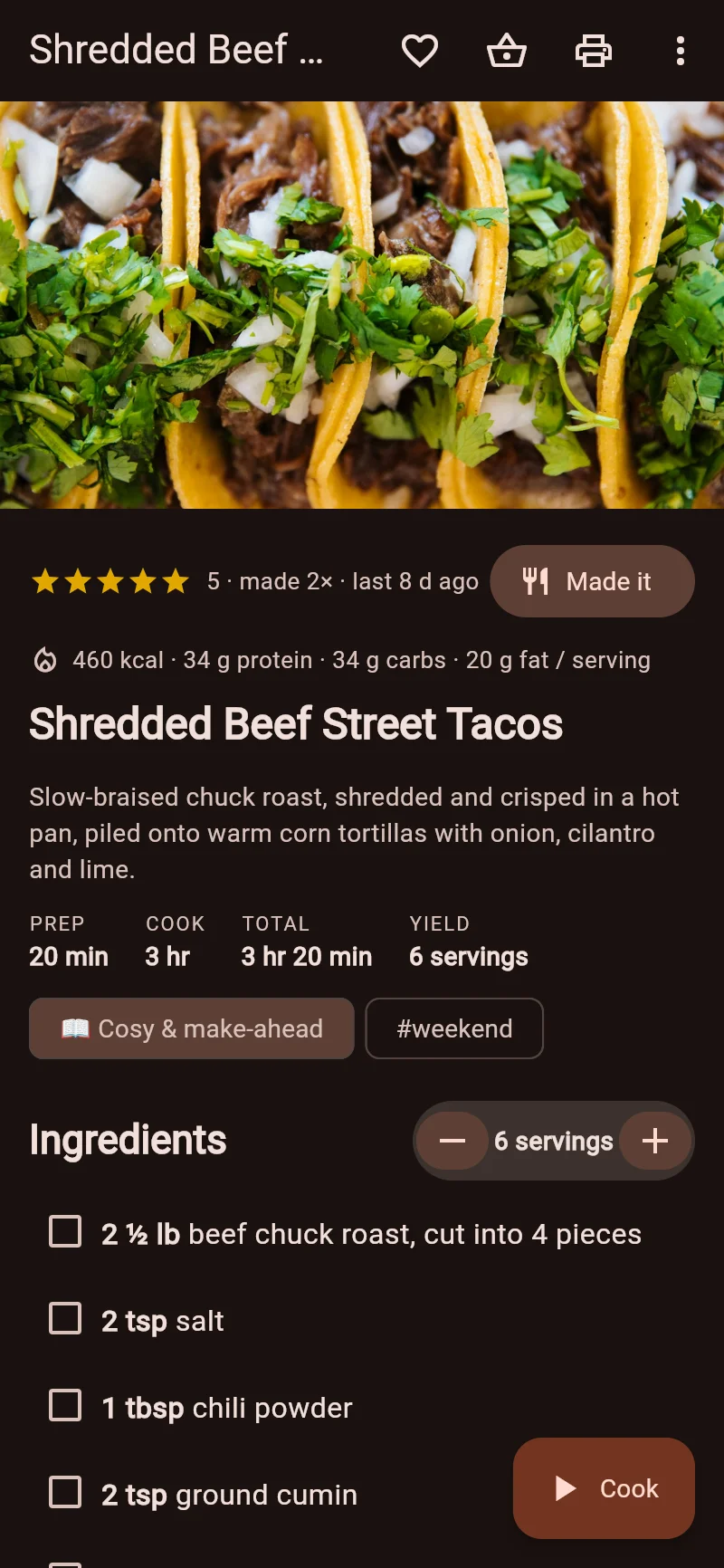
Mise en place first: what to chop, measure and set out before you start.
Step 2
One step at a time
Big type you can read from the stove, with the step’s ingredients right there.
Step 3
Mark it made
Rate it and add a note — the planner remembers favourites and forgotten gems.
Built for messy hands
Screen stays awake
No more tapping the phone with a floury knuckle to wake it up.
Timers from the text App
“Simmer 20 minutes” becomes a timer button, with a notification when it’s done.
Hands-free voice App
Say next, back, repeat or “timer 10 minutes” — and have steps read aloud.
Scale any recipe
Cooking for two or ten — change the servings and every quantity follows.
Made it
Rate and note each cook; see what you make most and what you haven’t made in a while.
“I made it” photos
Add your own photo to a Hub recipe after you cook it.
Free to start
Tonight, and every night after.
Save your first recipe in seconds. No card, no ads — the whole save, plan, shop and cook loop is free.